
How to Obtain Your CPSO Receipt
Follow these steps to access and download your CPSO receipt. This document is required for verification purposes.
What it looks like:
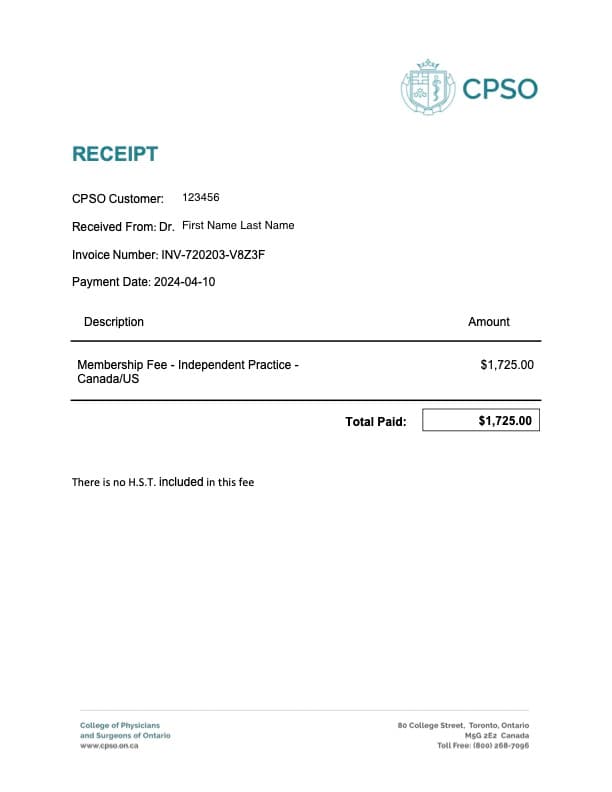
Steps to Retrieve Your CPSO Receipt:
- Log in to your CPSO Member Portal.
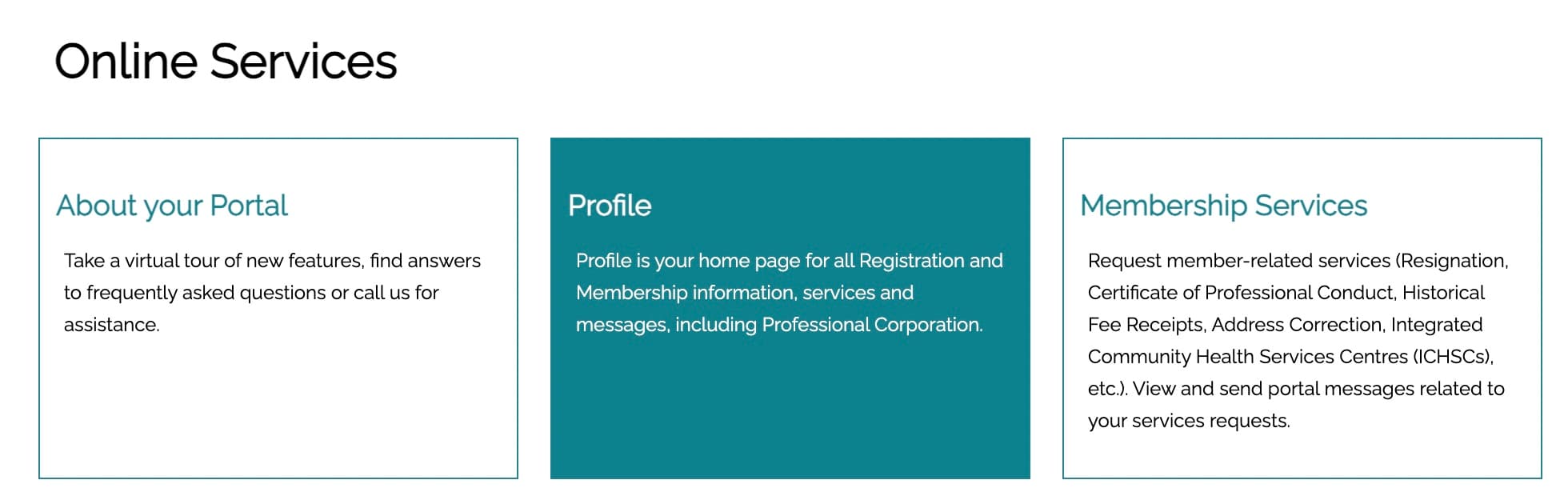
- Go to “Profile” section.
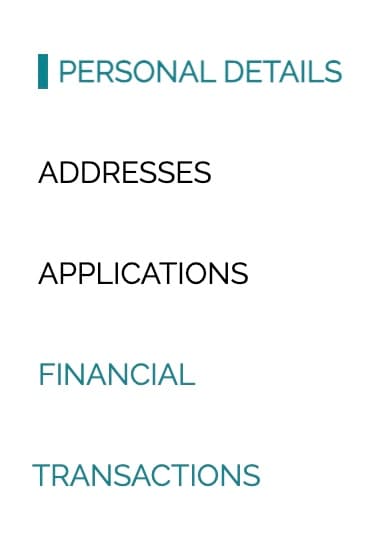
- Go to Financial Transactions on the left of the screen.
- Paid Invoices. Select the appropriate receipt and download it as a PDF file.
For more information, please consult the official CPSO Member Portal Resources page.